

Scenarios that turn a visit into a product
From the route to a store to finding your car in the parking lot and running mall operations. Every scenario is measurable, repeatable, and scales step by step.

AR route to a store
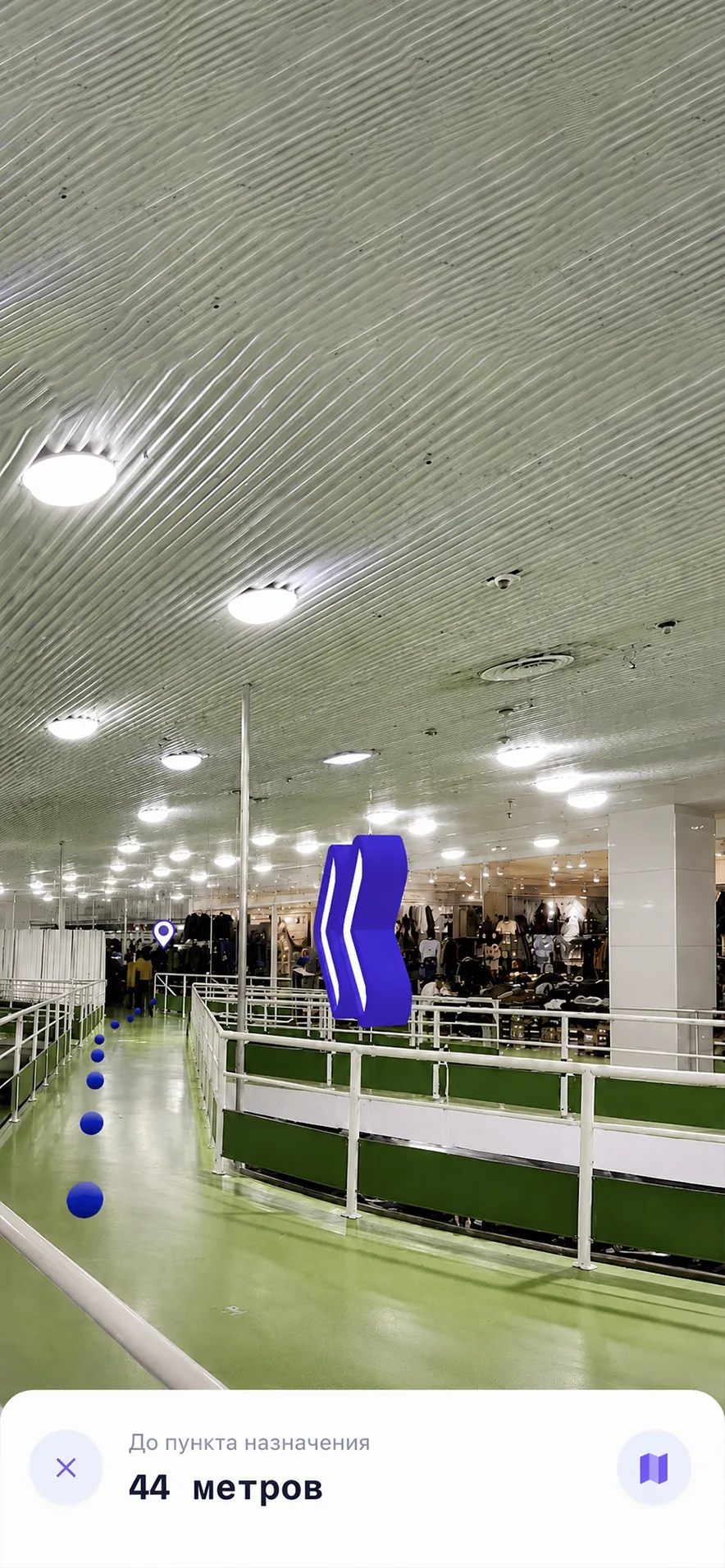
The visitor picks a store from the catalog, and DigiNavi lays out a route across floors and passages.
The map shows escalators, zone entrances, and crossings. An AR prompt appears at the turn you need, so you are not checking a flat map every few steps.
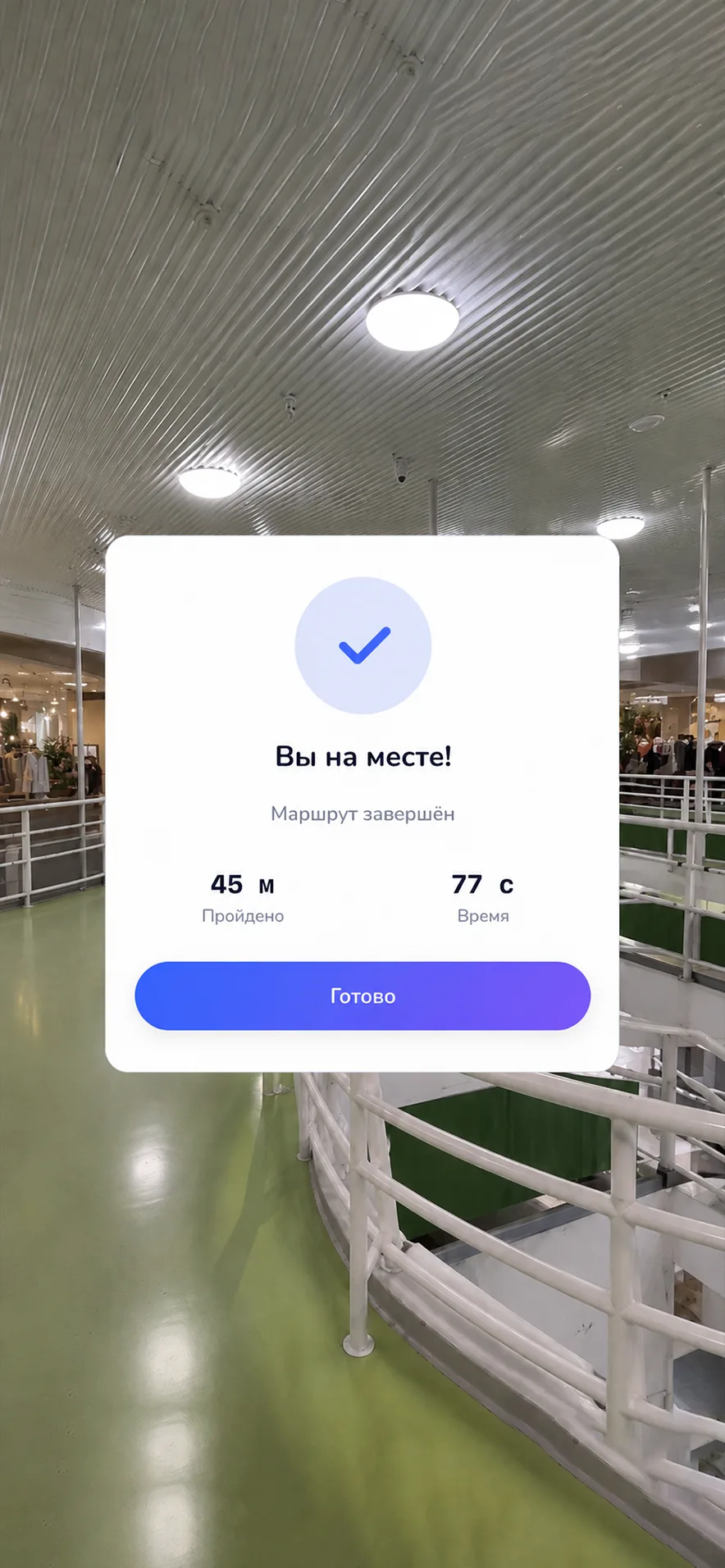
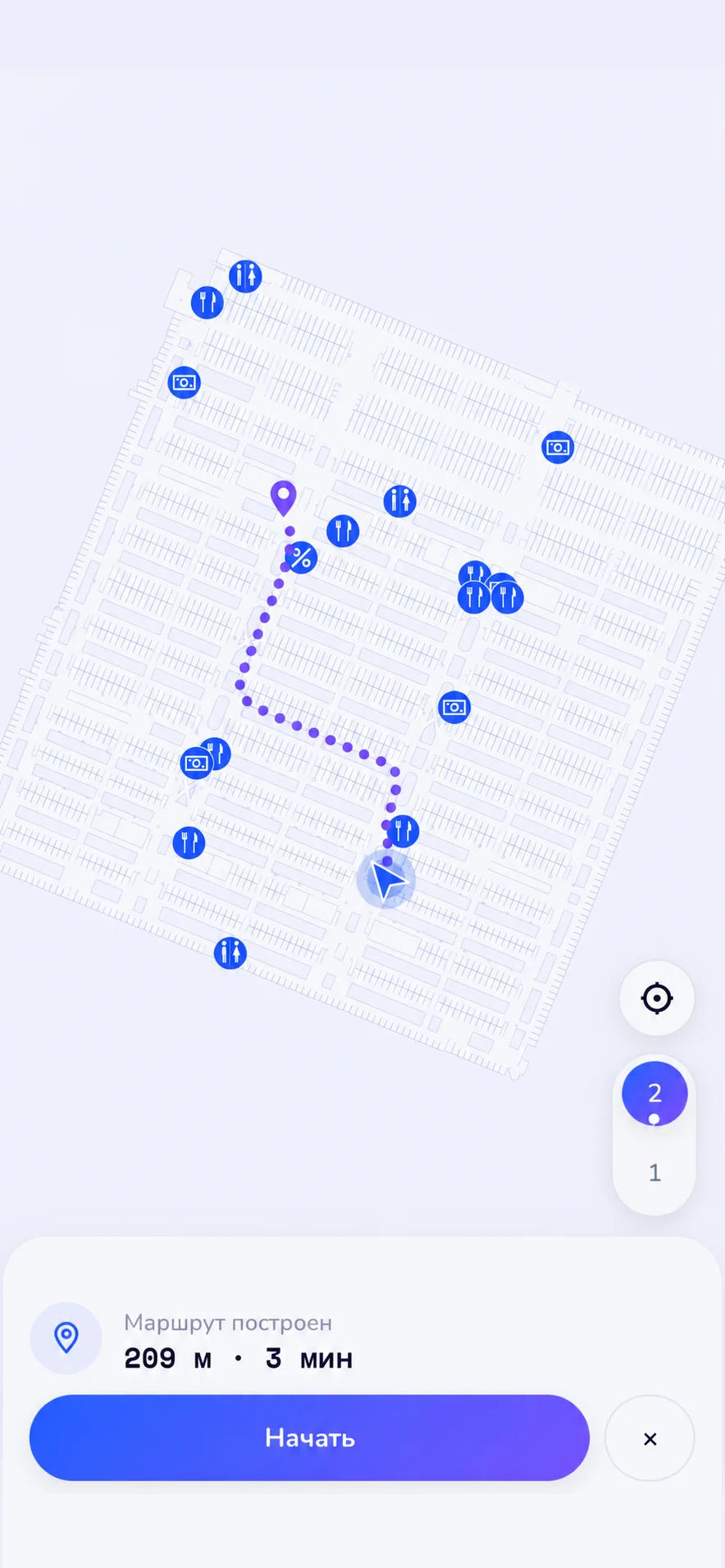
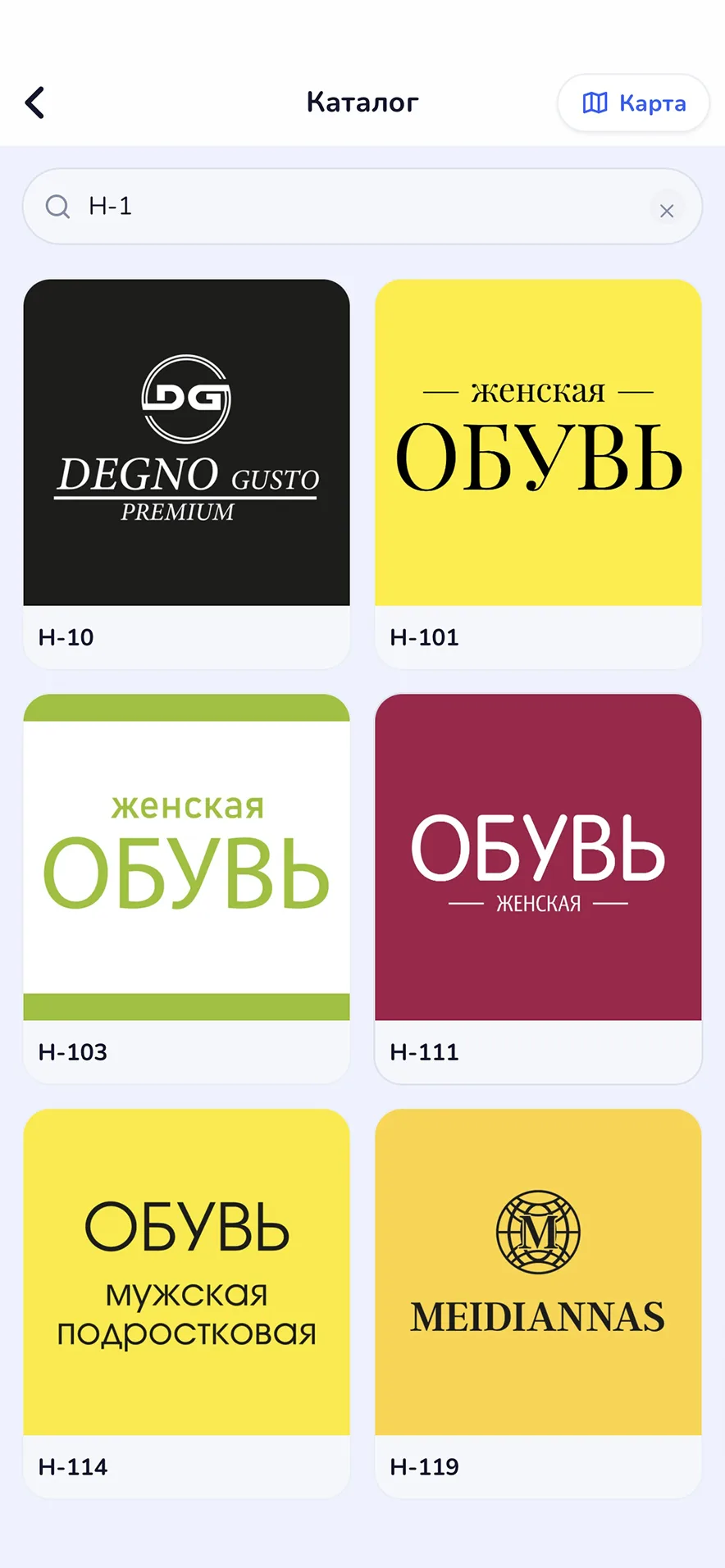

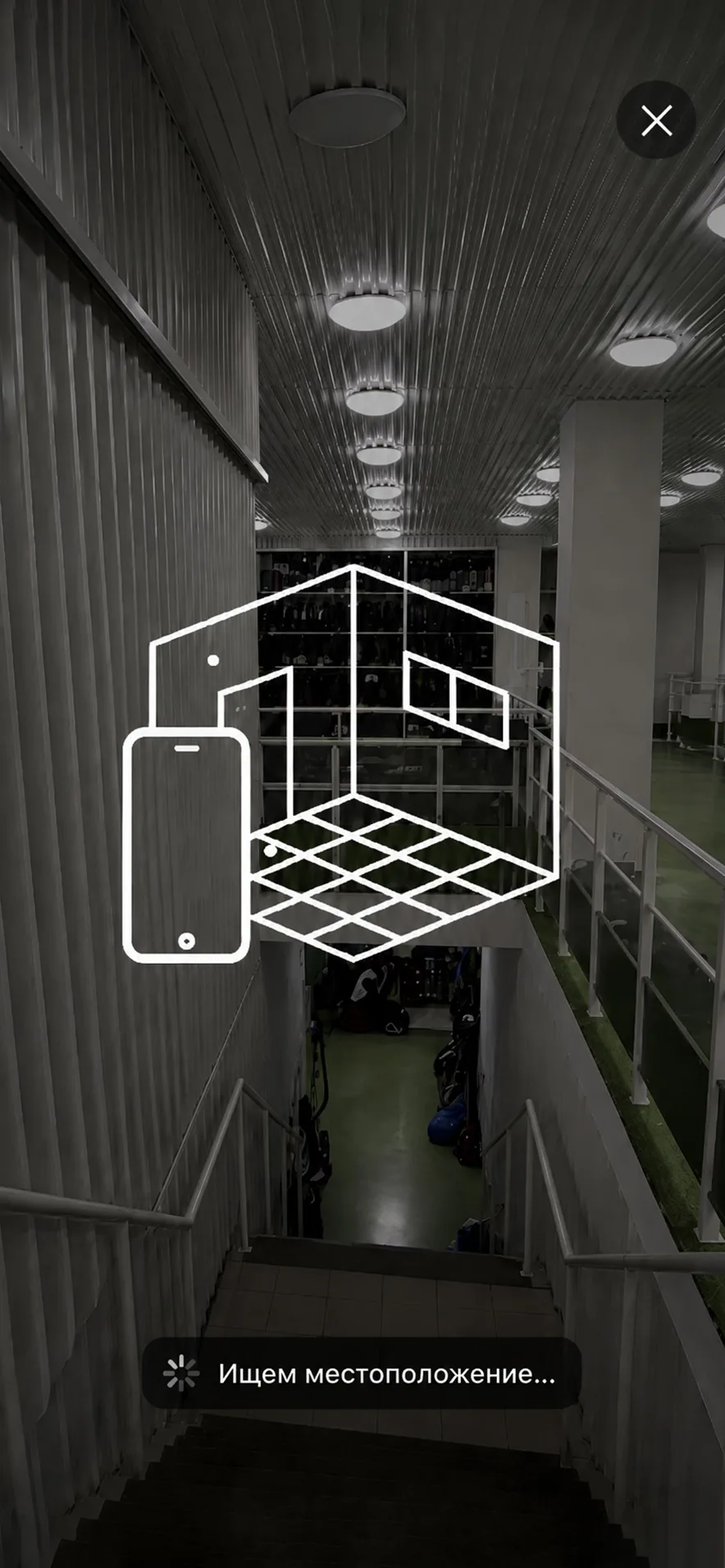
Mall map with stores and promos
Route to a promotion
The visitor sees active promos on their floor and builds a route to the tenant in one tap.
The promo card shows the dates and any limits. "Open route" gives the walking time and the nearest points of interest along the way.
A promo and the route to it
Find your parked car
The visitor saves the parking spot on the way in and walks back to it along an AR route.
It works in zones where DigiNavi covers the parking. The route accounts for elevators and pedestrian corridors and leads to the right exit and block.
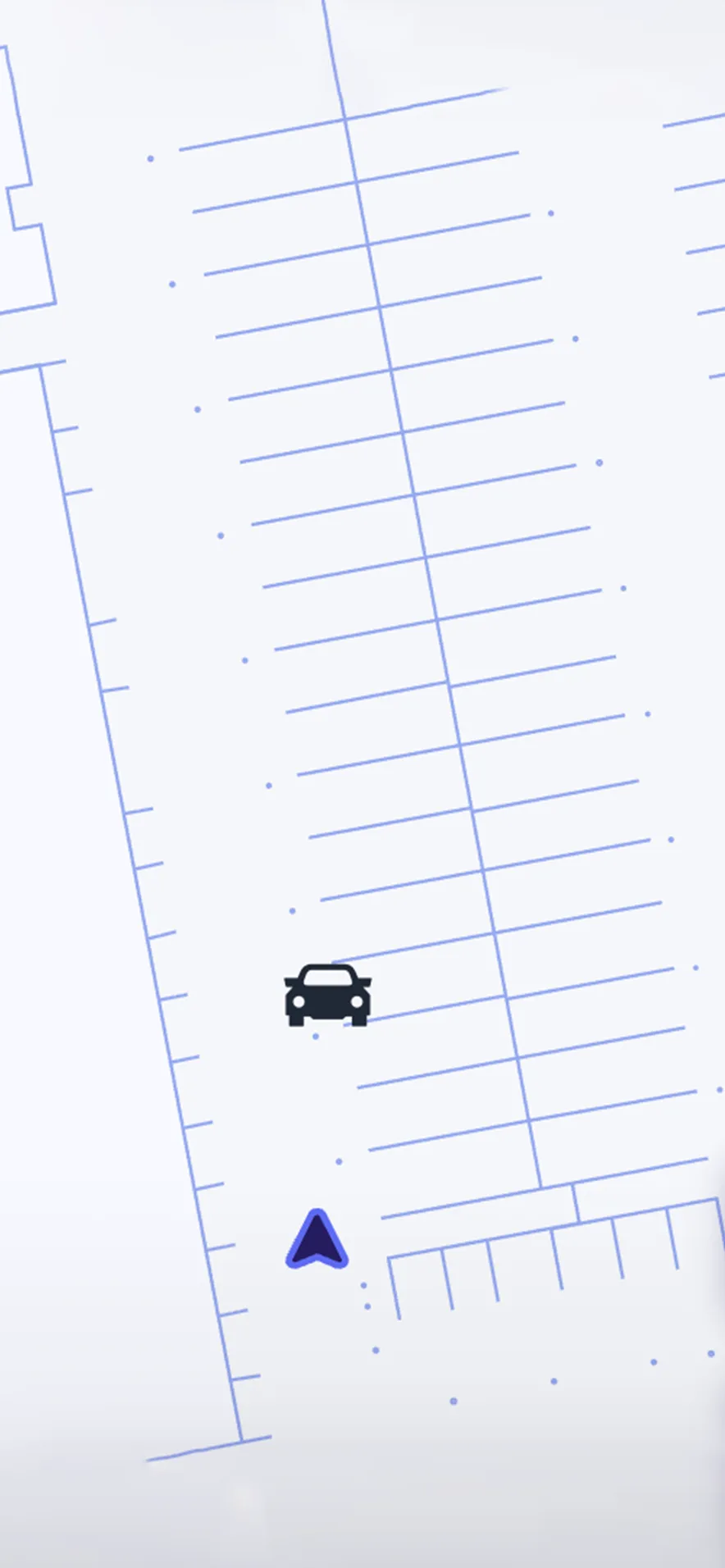

Mark your parking spot
Mall quest
A seasonal activation: the visitor finds points in AR, builds up progress, and claims a coupon.
A quest steers traffic into the zones you want, lifts engagement in the low season, and helps introduce new tenants. The logic, rewards, and points are set up by the mall or a partner brand.
Complete the tasks
Tenant vacancies and HR module
A store card shows open vacancies and collects visitor interest right in the app.
Useful for large chain tenants hiring on the sales floor. It replaces the classic "Now hiring" sign and turns interest into a structured lead.


List of vacancies
Heatmap and route analytics
The mall manager sees which zones and routes get used most and where the flow slows down.
The data is anonymized. It helps plan tenant rotations, signage placement, and temporary activations.
Map of visitor routes
Facility management and operations
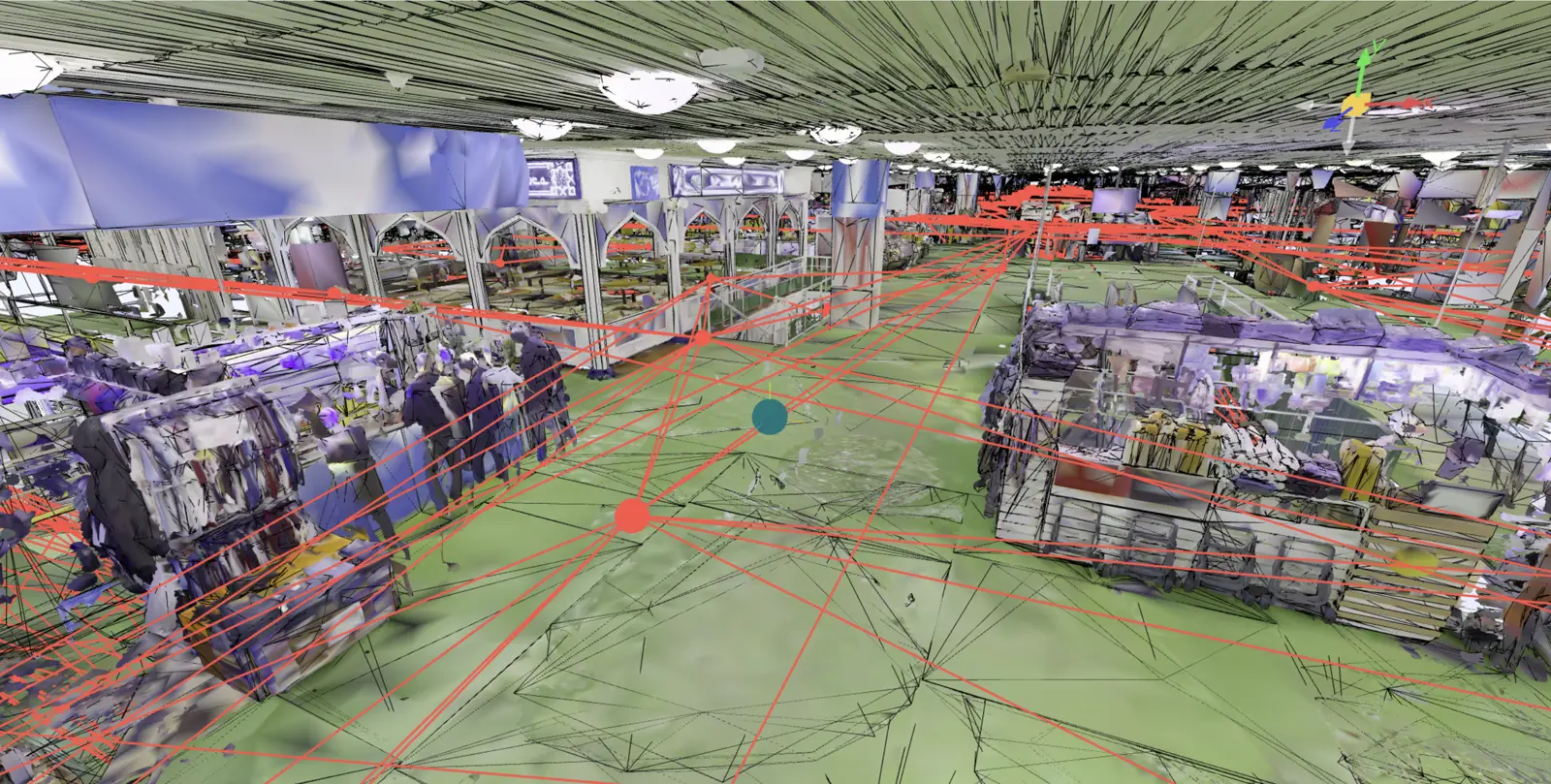
The same spatial layer that sits under AR navigation becomes the basis for running mall operations.
Need to change a sign or put up an ad banner? You can take the measurements on the digital twin without leaving your office. Inspections, repair tickets, audits, and asset tracking are tied to specific points in the space.
Facility management example
Which scenario fits your mall?
On the demo we'll pick 2 or 3 anchor scenarios for the mall's concept and sketch out a launch roadmap.